If someone else looks after your billing or your sites, you can give them their own access instead of sharing your password. Both options are in your account menu.
Users
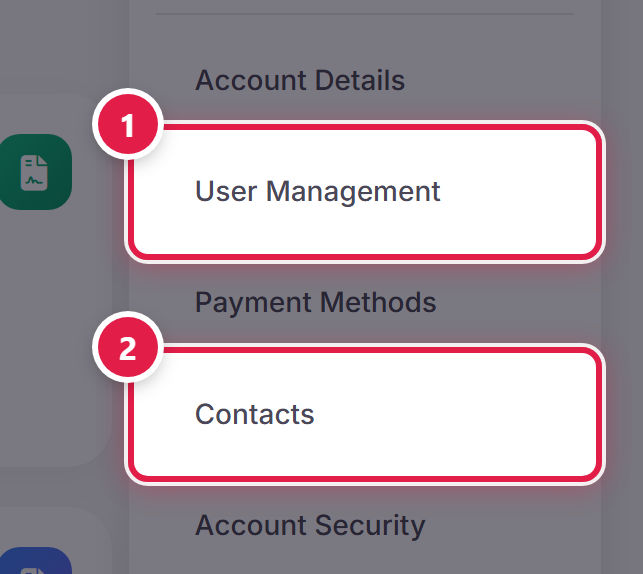
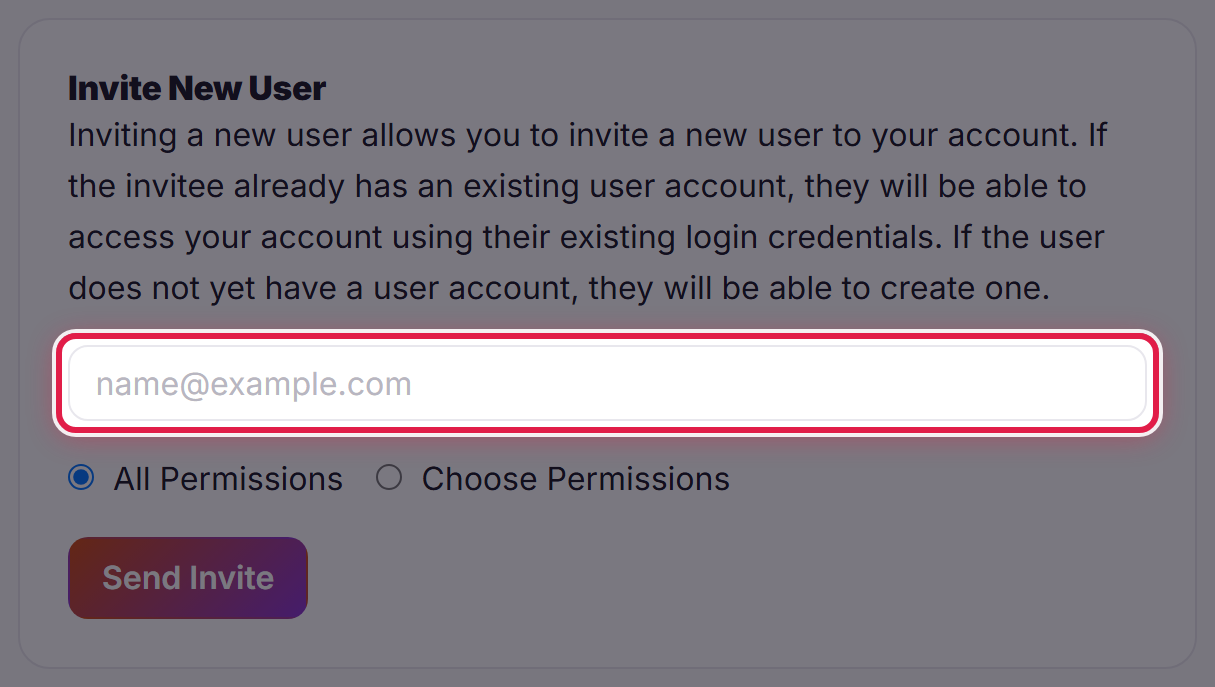
A user has their own email address and password and signs in as themselves. Select User Management and invite them by email. You choose what each user is allowed to do — for example viewing invoices without being able to place orders.
Contacts
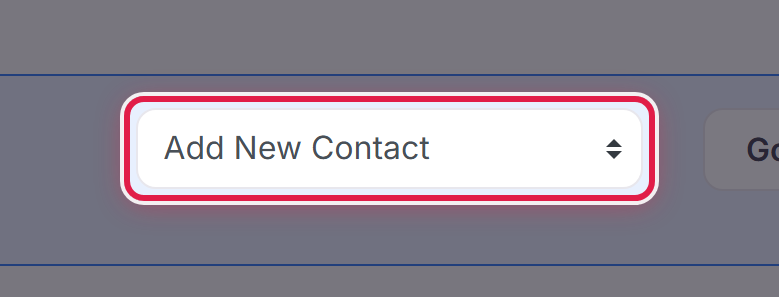
A contact is someone we send particular emails to, such as invoices or technical notices, without giving them a sign-in. Select Contacts, choose Add New Contact, and pick which emails they receive.
Which to use
- Someone who needs to do things in the account → add a user.
- Someone who only needs to be told things → add a contact.
Removing access
Both users and contacts can be removed from the same pages. Do this as soon as someone stops working with you.
