Two-factor authentication means a stolen password is not enough on its own to get into your account. We recommend it for every account, and particularly for any account that can change billing details.
Turning it on
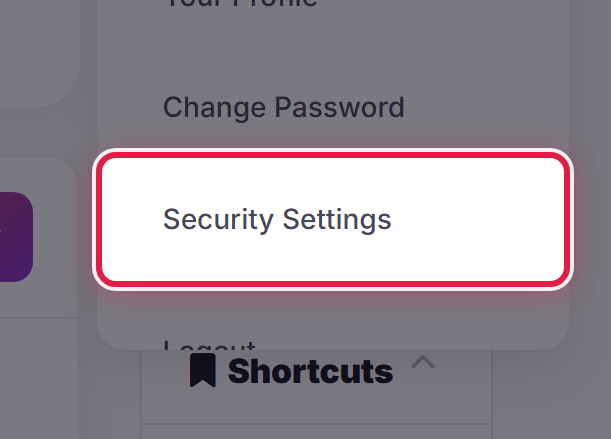
Open the account menu at the top right of any page and select Security Settings.
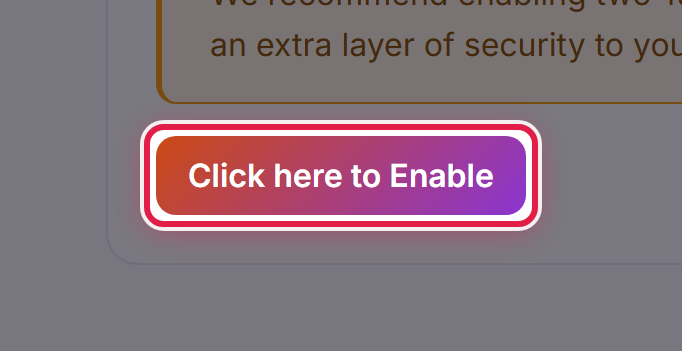
Choose Click here to Enable and follow the steps shown.
Keep your backup code
You will be given a backup code when you finish setting up. Save it somewhere separate from your phone. If you lose your device, that code is how you get back in.
If you are locked out
If you have lost both your device and your backup code, open a ticket. We will need to verify who you are before we can help, so expect us to ask you some questions.
