Each invoice covers one billing period for the services listed on it.
What is on it
- Invoice number — quote this when you pay or when you contact us about it.
- Invoice date — when it was raised.
- Due date — when payment is expected.
- Line items — the service, the period it covers, and the amount.
- Total — what is owed, less any account credit already applied.
Invoice statuses
Every invoice shows its status at the top.
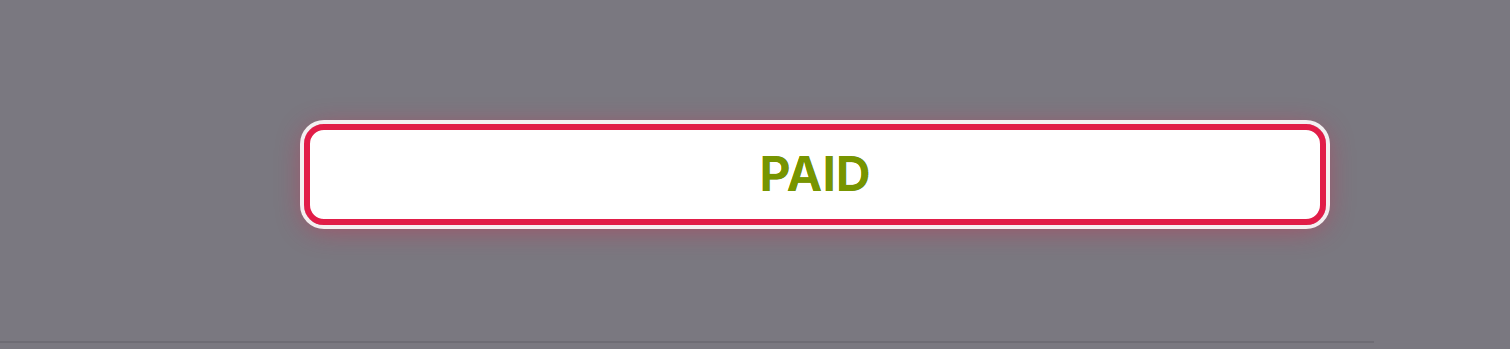
- Unpaid — payment has not reached us yet.
- Paid — settled in full, nothing further to do.
- Cancelled — voided; you do not need to pay it.
- Refunded — paid, then returned to you.
Getting a copy
Open the invoice from Billing → My Invoices and select Download to save a PDF.
Every invoice we email you is also kept in Email History under your account menu.
