You can hold a balance with us and let new invoices draw against it, instead of paying each one separately.
How to add funds
- Go to Billing → Add Funds.
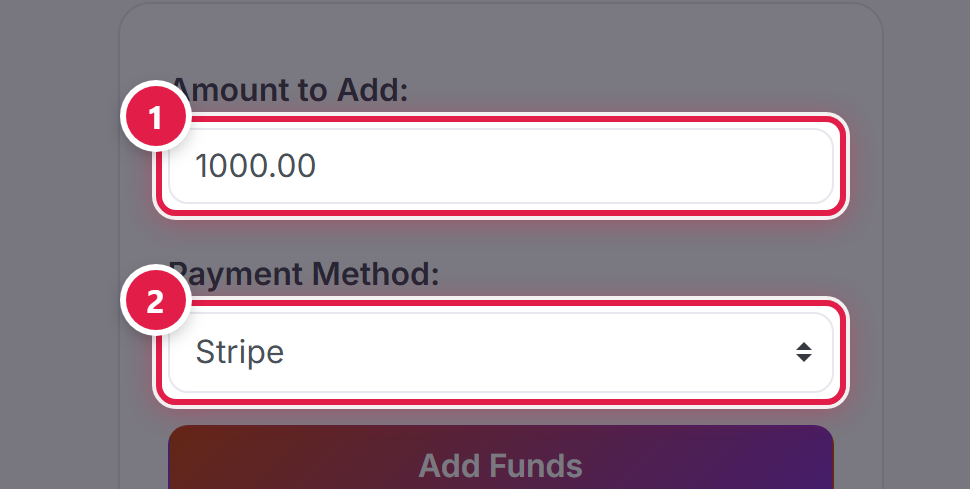
- Enter the amount you want to deposit.
- Choose your payment method and confirm.
Deposit limits
- Minimum deposit: $1,000.00 USD
- Maximum deposit: $10,000.00 USD
- Maximum balance you can hold: $25,000.00 USD
Checking your balance afterwards
Your balance is shown at the top of Billing → My Invoices, whether you are holding credit or not.
Before you deposit
Deposits are non-refundable. They stay on your account as credit and are applied automatically to invoices as they are generated. If you are not sure whether a balance suits how you pay, ask us first.
