Every WordPress site keeps its content — posts, pages, settings, orders — in a database. You rarely need to touch it directly, but you can.
Where
My Hosting → MySQL Databases lists every database on your plan with its size and when it was last changed.
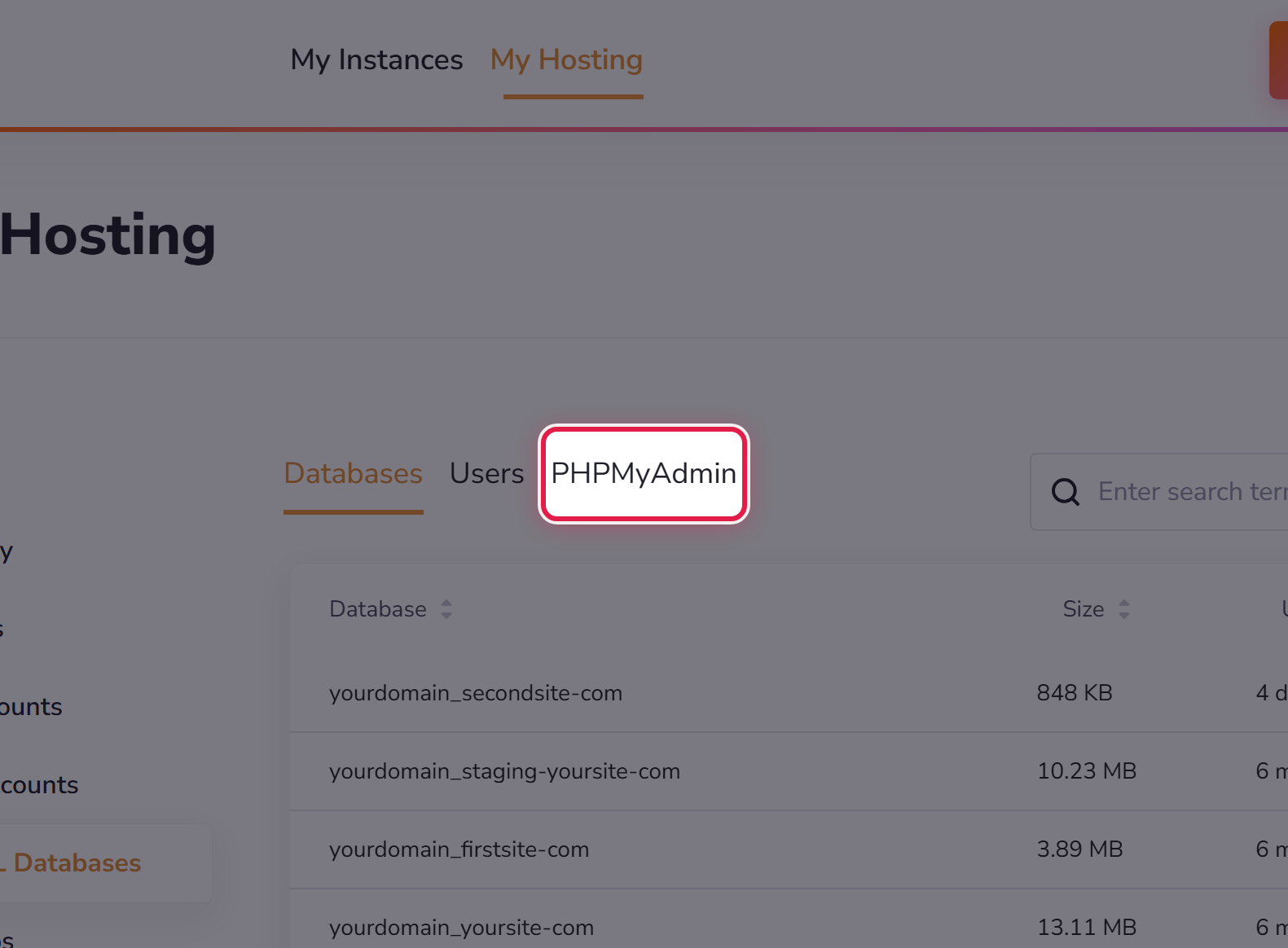
- Databases — the list, with a size for each.
- Users — the accounts that may connect to them.
- PHPMyAdmin — a tool for looking inside one directly.
Please read before you change anything
A database has no undo. A wrong edit here can take a site down completely, and unlike a bad plugin update there is nothing to switch off afterwards.
Take a backup first, every time. If you are following instructions from a forum and you are not sure what a step does, that is exactly when to ask us instead.
Size
Databases count towards your plan's disk space. One growing unusually large is often a plugin logging more than it needs to — worth asking about.
