Most people never need this. If you are editing files directly, or a developer is working on your site, SFTP gives direct access to them.
Creating an account
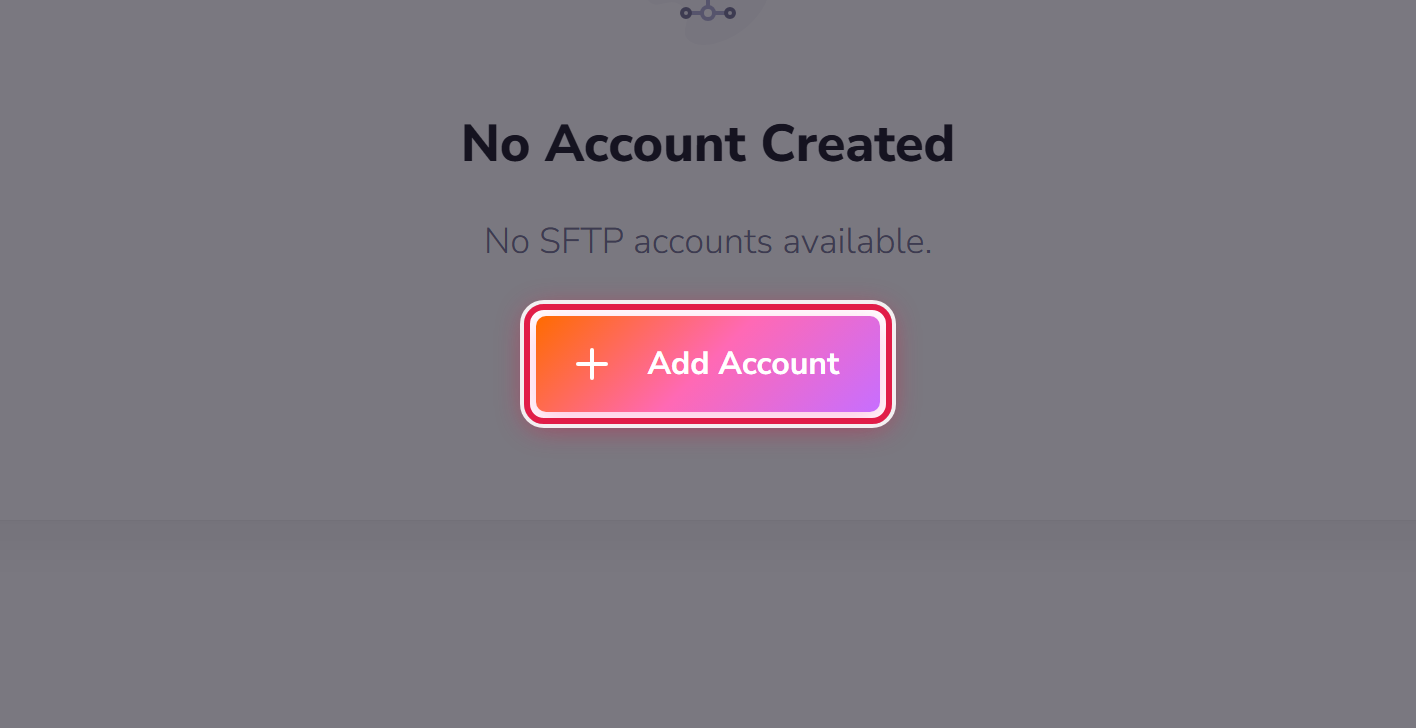
Go to My Hosting → SFTP Accounts and select Add Account.
You will be given the details to put into an SFTP client. Your site's files live under the document root shown against its domain in My Hosting → Domains.
Give people their own account
If a developer needs access, create an account for them rather than sharing yours. When the work finishes, delete that account and their access ends — with nothing else to change.
Use SFTP, not FTP
Plain FTP sends its password unencrypted. SFTP does not. If your client offers both, choose SFTP.
A word of warning
Editing files directly bypasses every safety net WordPress has. Take a backup first, and if you are following instructions you found online without being sure what they do, ask us instead.
