You have edited a page, and the site still shows the old version. Almost always this is caching, not a lost change — and it is the single most common thing people report as a fault when nothing is actually wrong.
What caching is
To make your site fast, we keep a ready-made copy of your pages and serve that instead of rebuilding each page for every visitor. When you change something, the ready-made copy can be briefly out of date.
Clear it
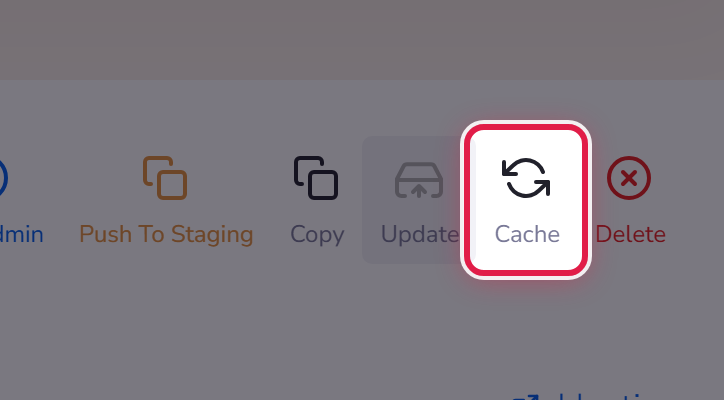
Open the site and select Cache in the row of actions.
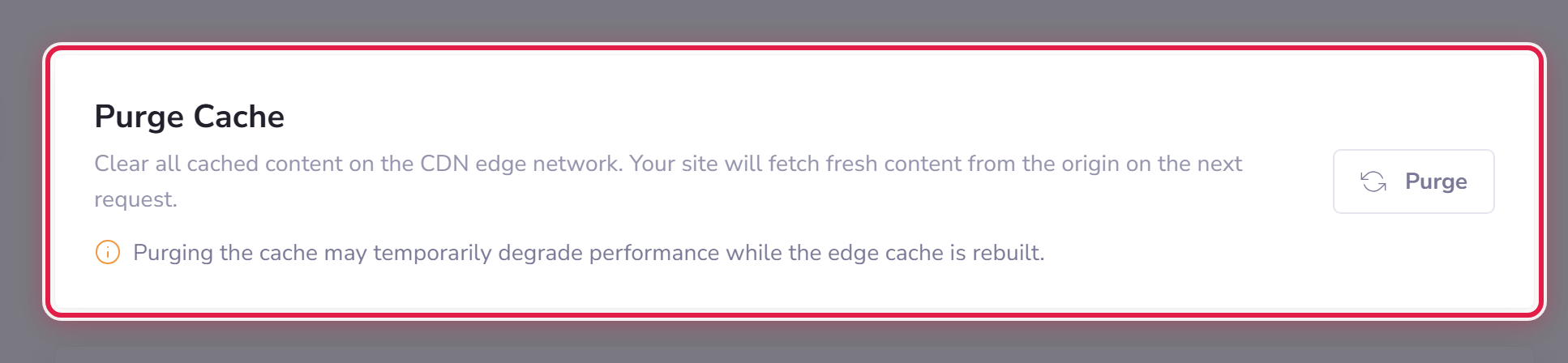
If your site also uses our delivery network, clear that too: Advanced → CDN → Purge Cache.
Check your own browser as well
Your browser keeps its own copy. Open the page in a private window — if it looks right there, the site is fine and it is only your browser that is behind.
The order to try
- Private window. Right? Then it was your browser.
- Still wrong? Clear the site cache.
- Still wrong? Purge the CDN.
- Still wrong after all three? Now it is worth telling us.
