Invoices are raised automatically before each billing period and emailed to the address on your account. You can also find every invoice in your account at any time.
Finding your invoices
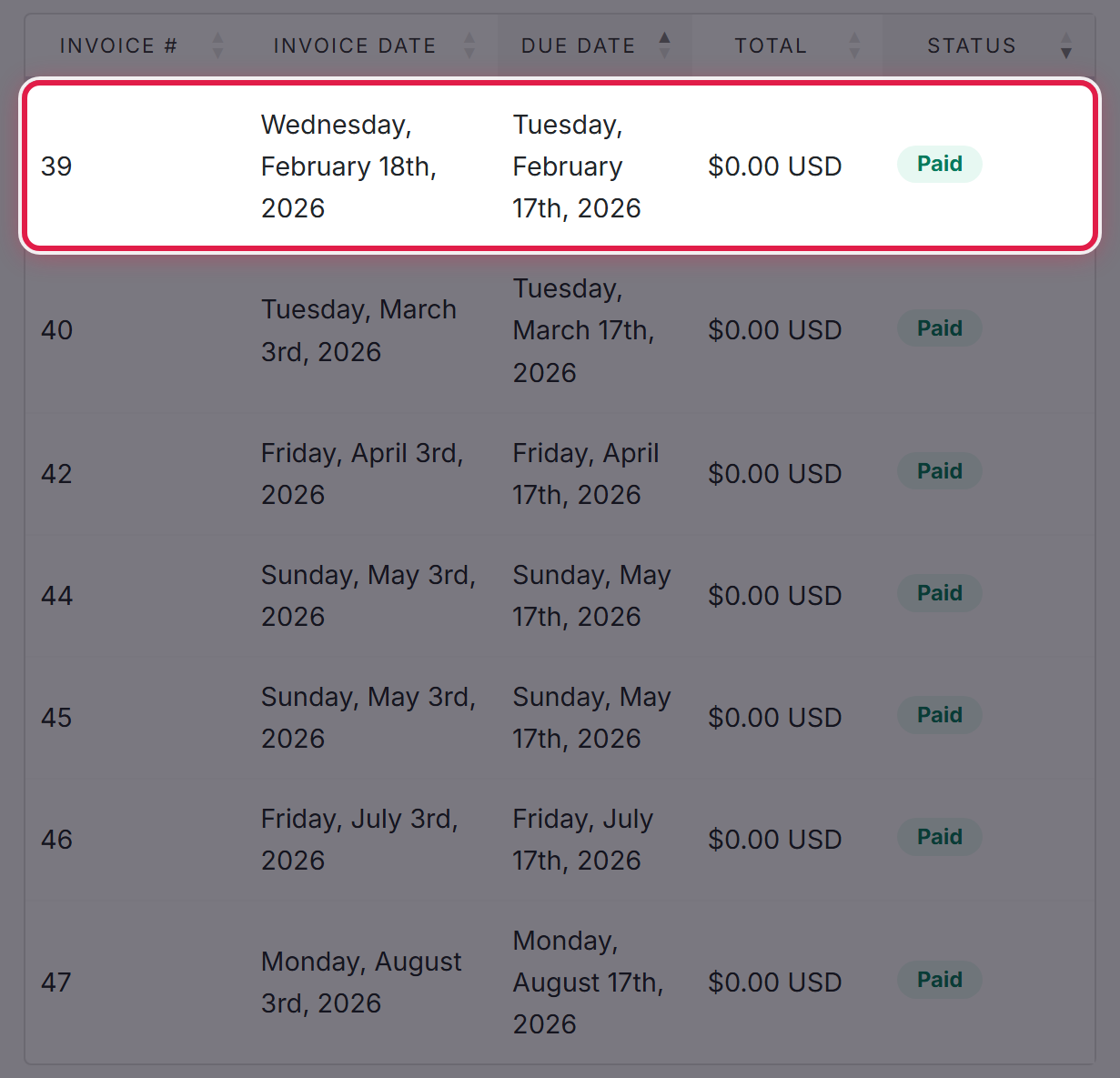
Go to Billing → My Invoices. Anything outstanding is marked Unpaid. Select an invoice to open it in full.
If you are holding credit with us, your balance is shown at the top of that page and is applied to invoices automatically. See Your account balance and how credit is used.
What you can pay with
- Credit card
- Debit card
- ACH — a direct debit from a US bank account, using your routing and account numbers
Open the invoice and choose one of these at the payment prompt.
How long each takes
Card payments are applied straight away, so a suspended service comes back as soon as the payment goes through.
ACH is a bank-to-bank transfer and is not instant — allow a few business days for it to clear. We mark the invoice as paid once the funds arrive. If an invoice is close to its due date, or your service is already suspended, pay by card instead so it clears immediately.
Saving a payment method
If you would rather not enter your details each time, select Payment Methods from your account menu and add a card or bank account once. It is then available whenever you pay.
If a payment is late
Services can be suspended while an invoice is unpaid. If you have paid and your service is still suspended, or you need more time, open a ticket and tell us the invoice number.
