Out-of-date WordPress and plugins are the most common way a site gets broken into. Your site manager shows what needs attention without you having to go looking.
Where to look
Open a site. The Installation card shows the WordPress version and whether anything newer is available.
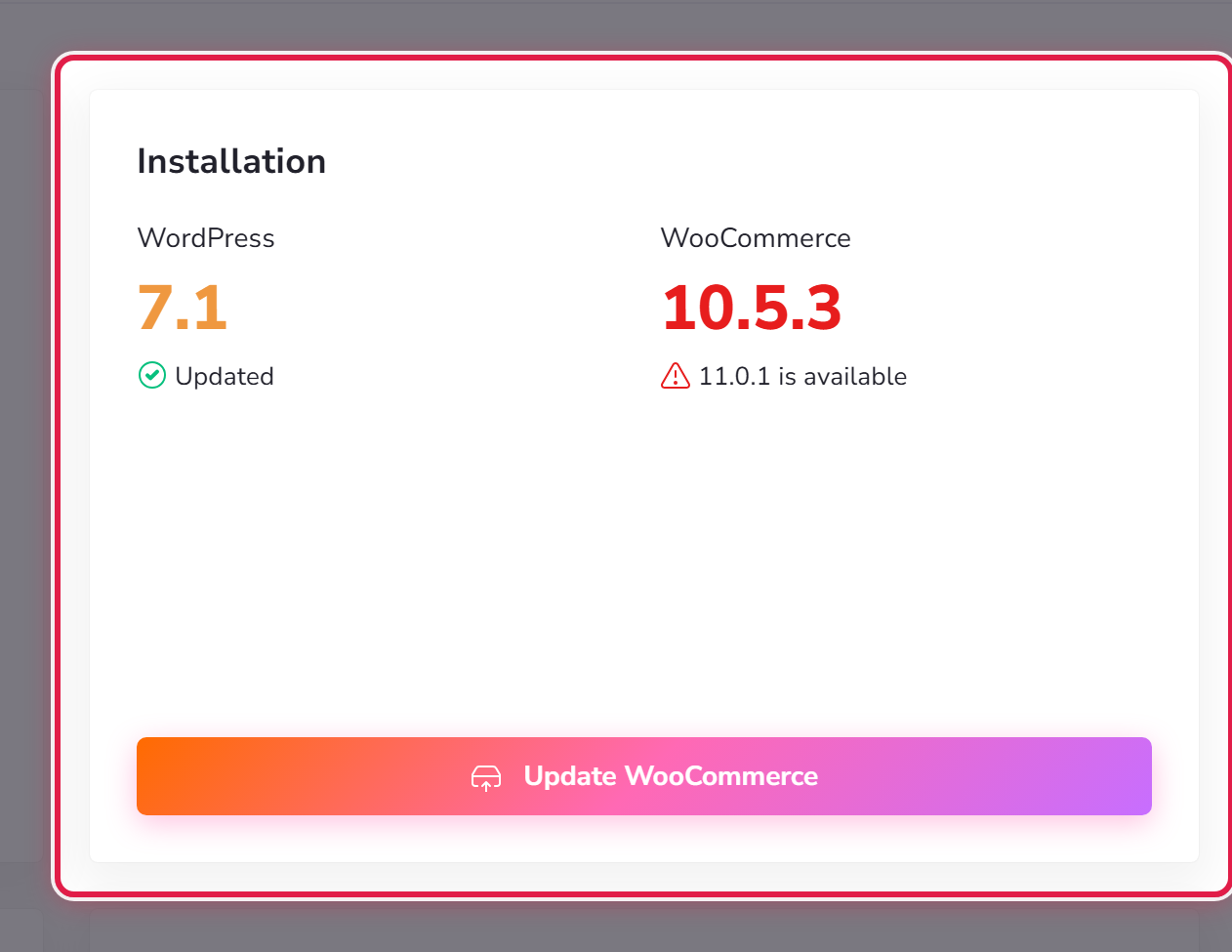
In My Instances, a site needing attention carries a warning symbol, so you can see it across all your sites at once.
Doing it safely
- Take a backup.
- For a big update, try it on staging first.
- Apply the update.
- Look at the site afterwards — the front page and one or two inner pages.
Small plugin updates rarely cause trouble. Major version changes, page-builders and anything shop-related deserve the staging route.
If an update breaks the site
Restore the backup you took. Then tell us what you updated — that is usually enough for us to say what went wrong.
