A staging site is a private copy of your live site. You can break it freely — nobody visiting your real site sees any of it.
Switching between them
A site with staging shows two tabs at the top.
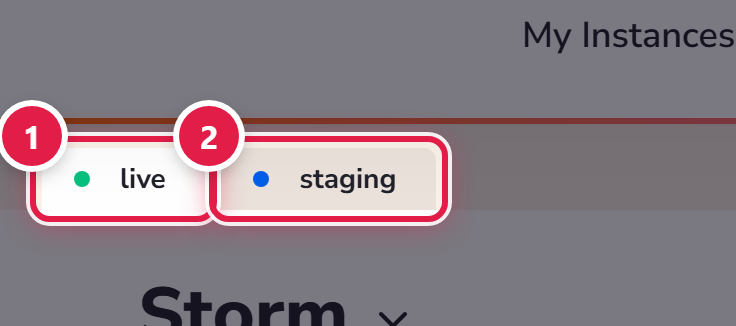
Everything you do applies to whichever one is selected, so check which tab you are on before making changes. It is the one thing worth being careful about.
What staging is for
- Major plugin or WordPress updates.
- A new theme, or design work.
- Anything you would rather not explain to a customer if it went wrong.
Worth knowing
Staging copies usually have no certificate, so your browser may warn you. That is expected — they are temporary and not meant for the public.
A staging copy uses a slot and disk space like any other site. Remove ones you have finished with.
