A new site starts on an address we give it so that it works straight away. When you are ready, you can move it to your own domain.
In your site manager
Open the site and select Change Domain.
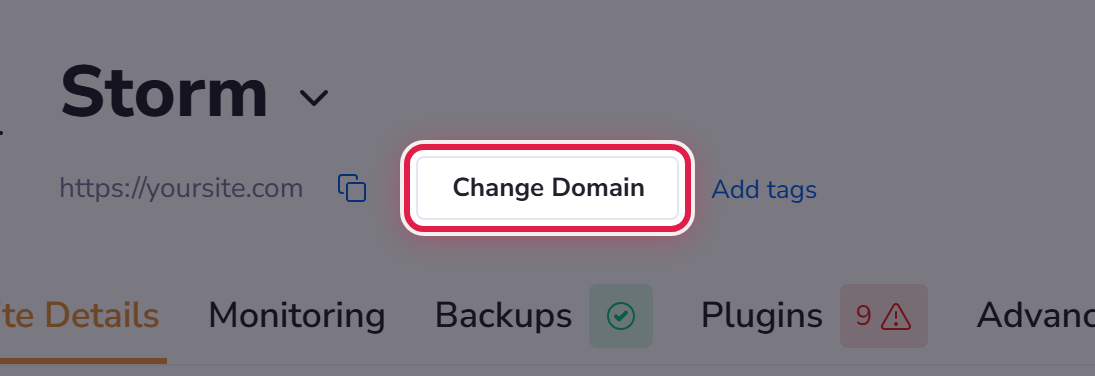
Enter the domain you want the site to answer on.
At your registrar
You also need to tell your domain where to find us, by changing its DNS where the domain is registered — the company you bought it from. We do not sell domains, so this step always happens at their end, not ours.
If you are not certain which record to change, do not guess. Open a ticket with your domain name and we will send you exactly what to enter.
It is not instant
DNS changes take time to spread — often minutes, sometimes several hours. During that window some people may still reach the old address. That is normal and it settles on its own.
Please read this if your domain also handles email
Your hosting here does not include email mailboxes. If email for your domain is handled somewhere else, leave its mail records alone. Changing the wrong record is the one mistake in this process that stops mail arriving, and it is easily avoided. If in doubt, ask us first and we will check it with you.
Afterwards
A certificate is issued for the new domain automatically once it is pointing at us. See SSL certificates.
