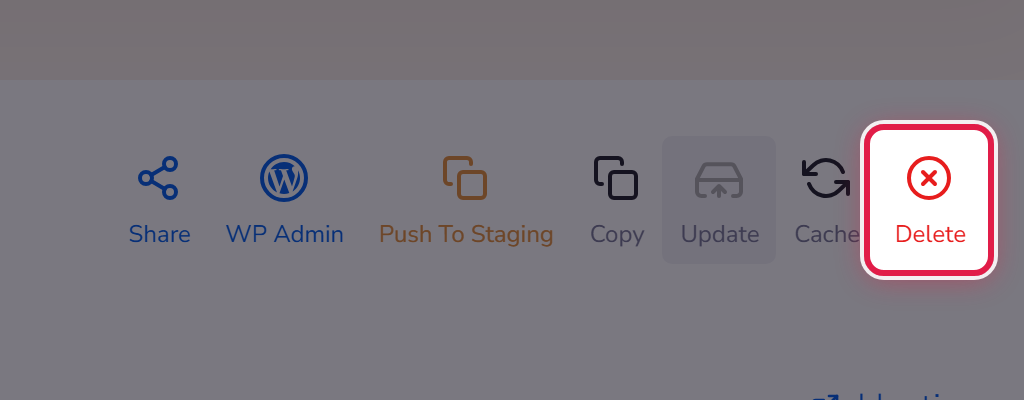
Open the site and select Delete in the row of actions at the top right.
This removes the site, not the plan
Deleting a site frees a slot on your plan and you can create another in its place. It does not cancel your service or stop your invoices — for that see Cancelling a service.
Before you delete
Take a backup first and download it, or make a copy. Deleting removes the files and the database. If you may want any of it later, get it out beforehand.
