Copying gives you an identical second site — useful as a starting template, or to try something drastic without risking the original.
How
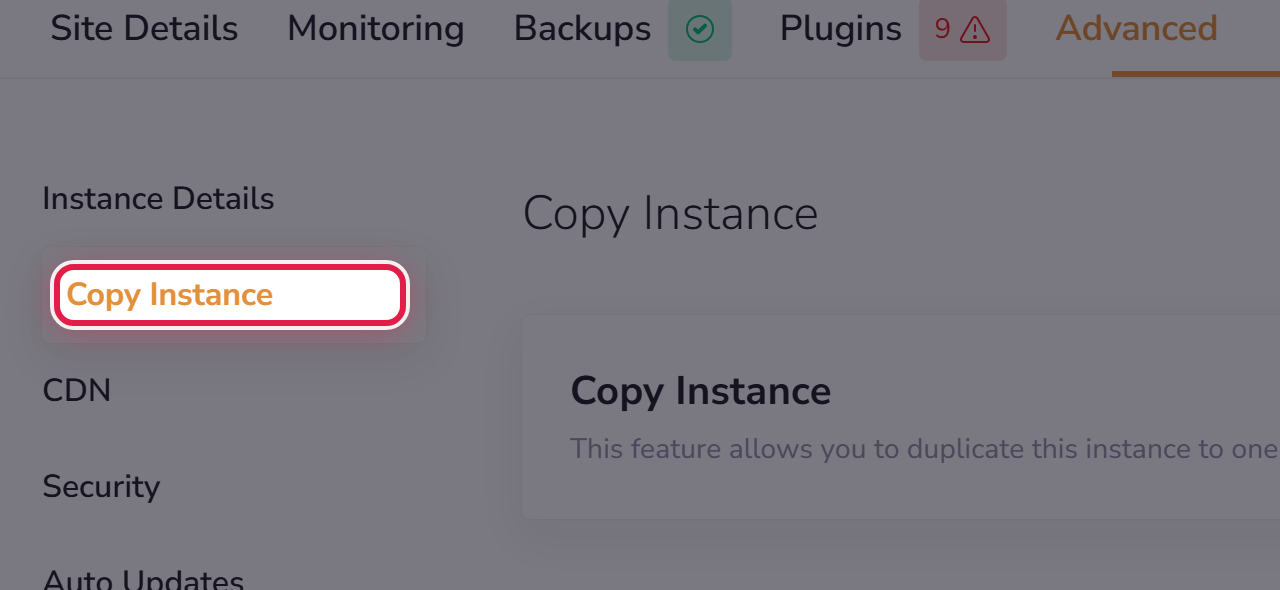
Open the site, go to Advanced → Copy Instance, and choose where the copy should go.
The copy counts as another site against your plan allowance, so make sure you have room first.
Copy, or staging?
- Use a copy when you want a separate site that stays separate — a template for the next project, or an archive.
- Use staging when you want to test a change and then apply it to the live site. See Testing changes on a staging site.
