You can create a new WordPress site yourself whenever you have room on your plan.
How
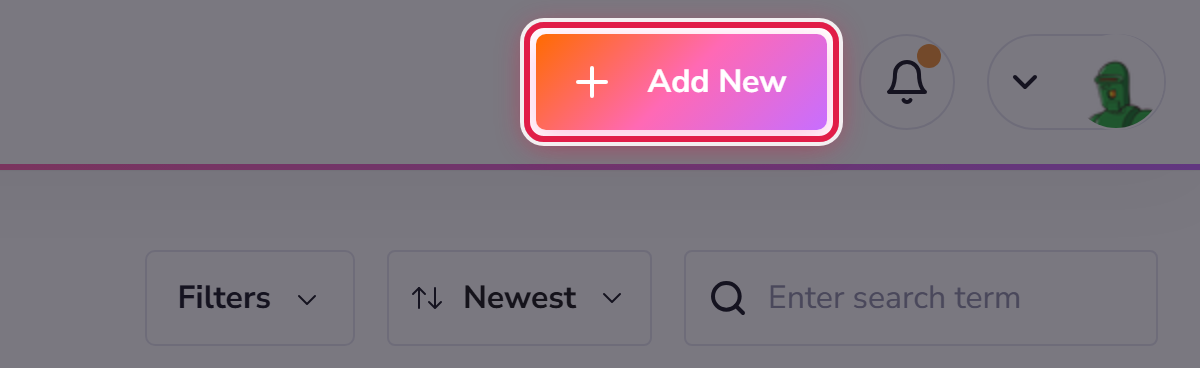
Select Add New at the top right of the site manager.
You will be asked for a name for the site and a few basics. WordPress is installed for you — there is nothing to download or upload.
Have you got room?
Every plan allows a set number of sites. My Hosting → Summary shows how many you have used against your allowance. If you are at the limit, either upgrade or take a second plan — see Ordering another plan.
The address it starts on
A new site is created on an address we provide so that it works immediately. When you are ready to put it on your own domain, see Pointing your own domain at a site. You do not have to decide straight away.
