My Instances shows every site you have, each as a card with a live preview of the site itself.
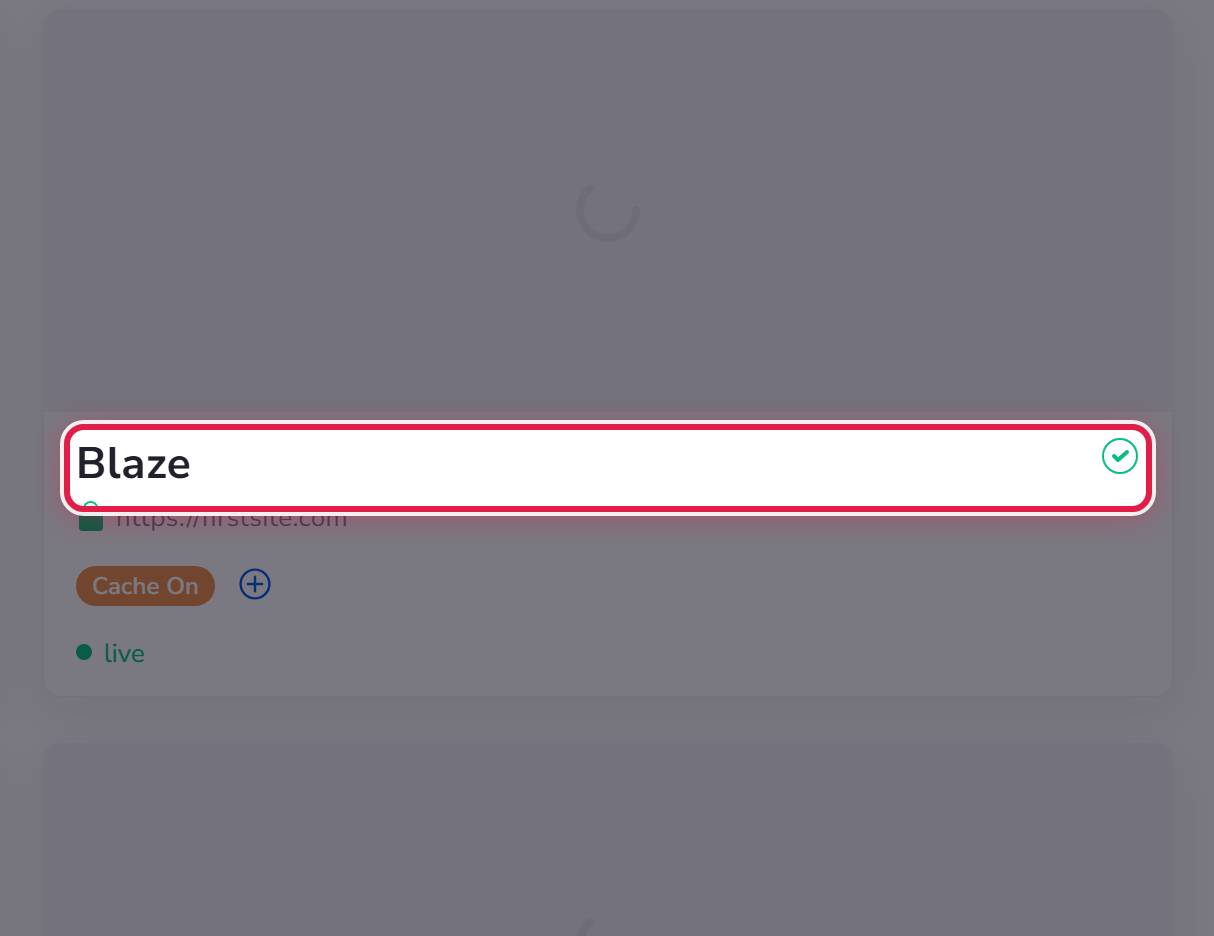
What a card tells you
- The name you gave the site, and its web address.
- A padlock, if the site is secured with a certificate.
- live, and staging as well if you have a staging copy.
- A tick if everything is healthy, or a warning symbol if something needs your attention — usually an update.
- Badges such as Cache On.
Finding a site
With a handful of sites the cards are enough. Beyond that, use the search box, or Filters and the sort control. You can also switch from cards to a compact list using the two buttons beside the heading.
Tags
Select Add tags on any card to label it — by client, by project, by whatever suits you. Tags are yours alone and make filtering a long list much faster.
