Two-factor codes are tied to the device you set them up on. Moving to a new phone without moving your codes is the most common way people lock themselves out.
Do this before you wipe the old phone
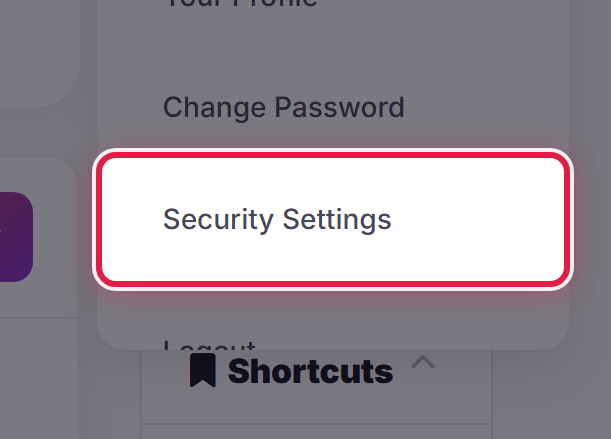
While you still have both devices, open the account menu and select Security Settings.
Turn two-factor authentication off, then turn it straight back on and set it up again on the new phone. You will be given a new backup code — save it, and discard the old one, which no longer works.
Doing this while you still have the old device takes a minute. Doing it afterwards may not be possible without our help.
If your authenticator app supports it
Some apps can transfer or restore their accounts to a new phone. If yours does, use that instead and nothing needs changing here.
If you have already lost the old phone
Sign in with your password and your backup code, then set two-factor up again on the new phone.
If you no longer have either, open a ticket. We will need to establish who you are before we can remove it, so expect us to ask you some questions.
