Every invoice we raise stays in your account. You do not need to ask us for copies.
Downloading an invoice
Open it from Billing → My Invoices and select Download to save a PDF.
The PDF shows the invoice number, the dates, what it covers, the total, and whether it has been paid — which is what an accountant normally needs.
Everything we have emailed you
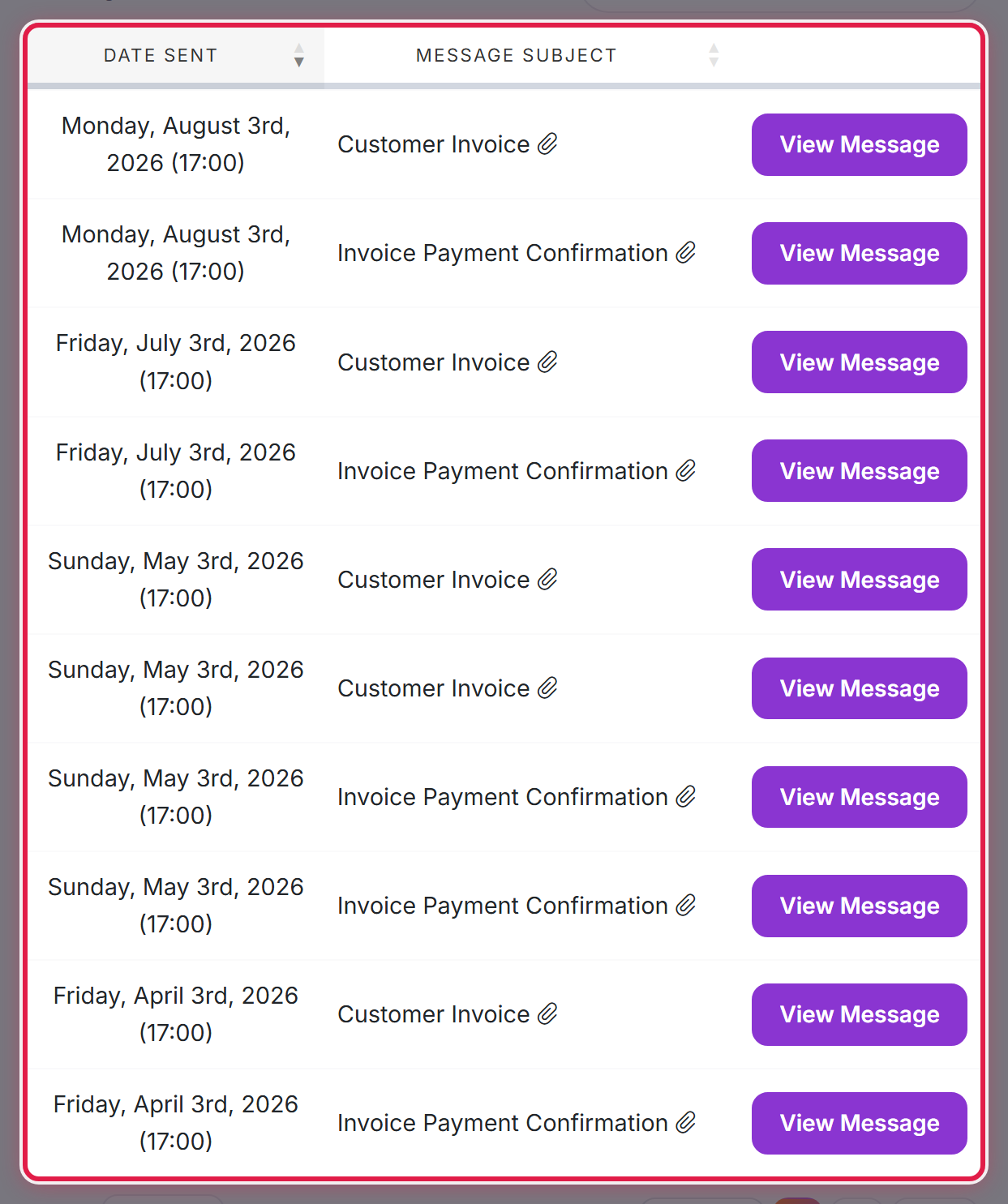
Email History in your account menu keeps every message we have sent, including invoices and receipts.
Sending invoices straight to your finance team
Rather than forwarding them yourself, add the finance address as a contact and tick the invoice emails for it. See Adding other people to your account. They will get every invoice as it is raised, without being able to sign in or change anything.
