You can hold a balance with us instead of paying each invoice separately. Money on your account is called credit.
Seeing what you have
Go to Billing → My Invoices. Your balance is at the top of the page.
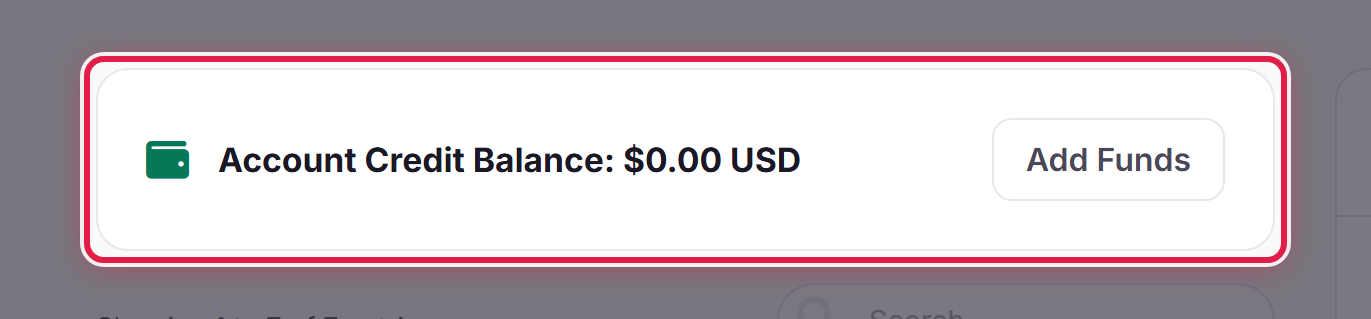
It is always there, whether you are holding credit or not, so a balance of zero looks exactly like this with a zero in it. You do not have to open an invoice to check, and you do not have to ask us.
Adding credit
Add Funds on that panel takes you straight to the deposit form. See Adding funds to your account for the deposit limits.
How credit gets used
Credit is applied to invoices automatically as they are raised. If you have enough to cover an invoice in full, it is settled without you doing anything — you will still get the invoice, marked as paid.
Where an invoice is only part-covered, opening it offers to apply your credit to it, and you pay the remainder normally. That is the one place credit is not automatic, because we would rather you chose than have a balance quietly drain against something you meant to question.
Reading it against an invoice
An invoice that has had credit applied shows a Credit line in its totals, so the amount you actually owe is the total after that. See Understanding your invoice.
Worth knowing
Deposits are not refundable. Credit stays on your account and is used against future invoices, so only deposit what you expect to spend with us.
