You can move between plans at any time from the service itself.
How to change plan
Open the service from Services → My Services and select Upgrade. You will see your current plan, and the other plans you can move to.
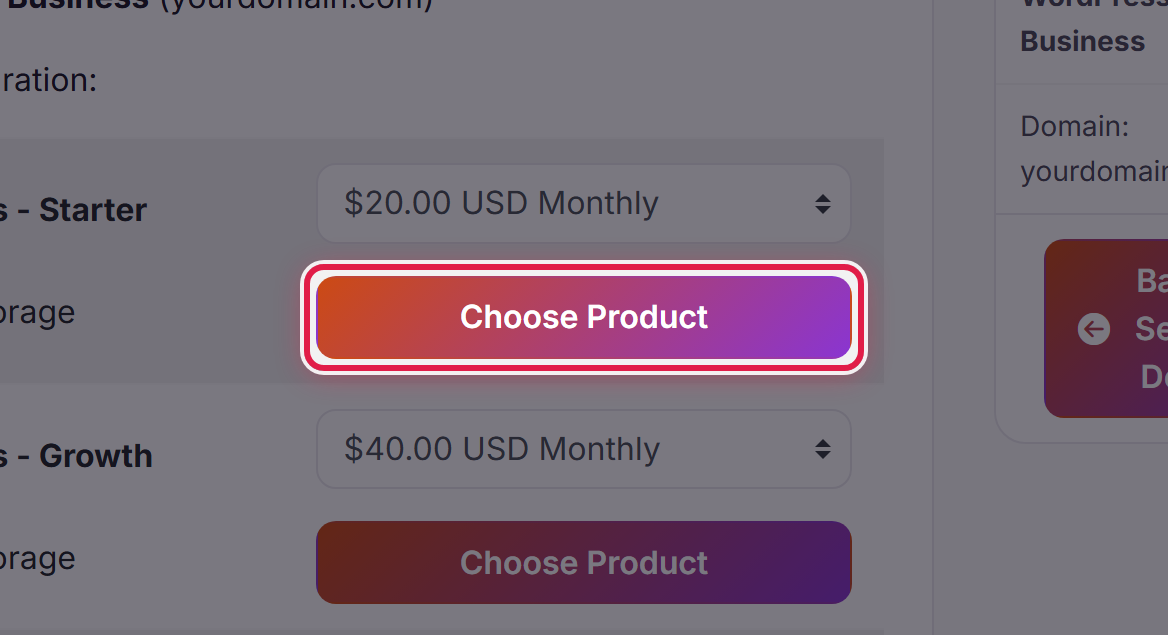
Select Choose Product next to the one you want. You will be shown what it costs before anything is charged.
Moving up
An upgrade takes effect once the invoice for it is paid. You are charged for the difference over the remainder of your current billing period, not a whole new period.
Moving down
A smaller plan allows fewer sites and less storage. Make sure you are inside the new limits before you downgrade — if you are over them, sort that out first, or ask us and we will help you plan it.
If you are not sure which plan you need
What is included in your plan lists what each one allows. If you are between two, ask us — we would rather put you on the right one than the larger one.
