You can cancel a service yourself from its page. Cancelling stops future invoices for it.
How to cancel
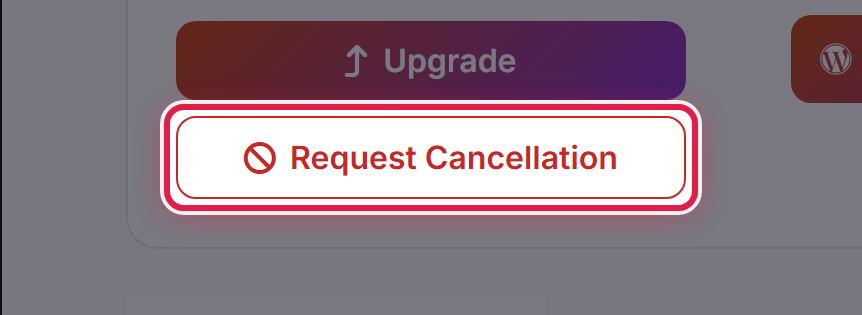
Open the service from Services → My Services and select Request Cancellation.
You will be asked when you want it to take effect, and why you are leaving.
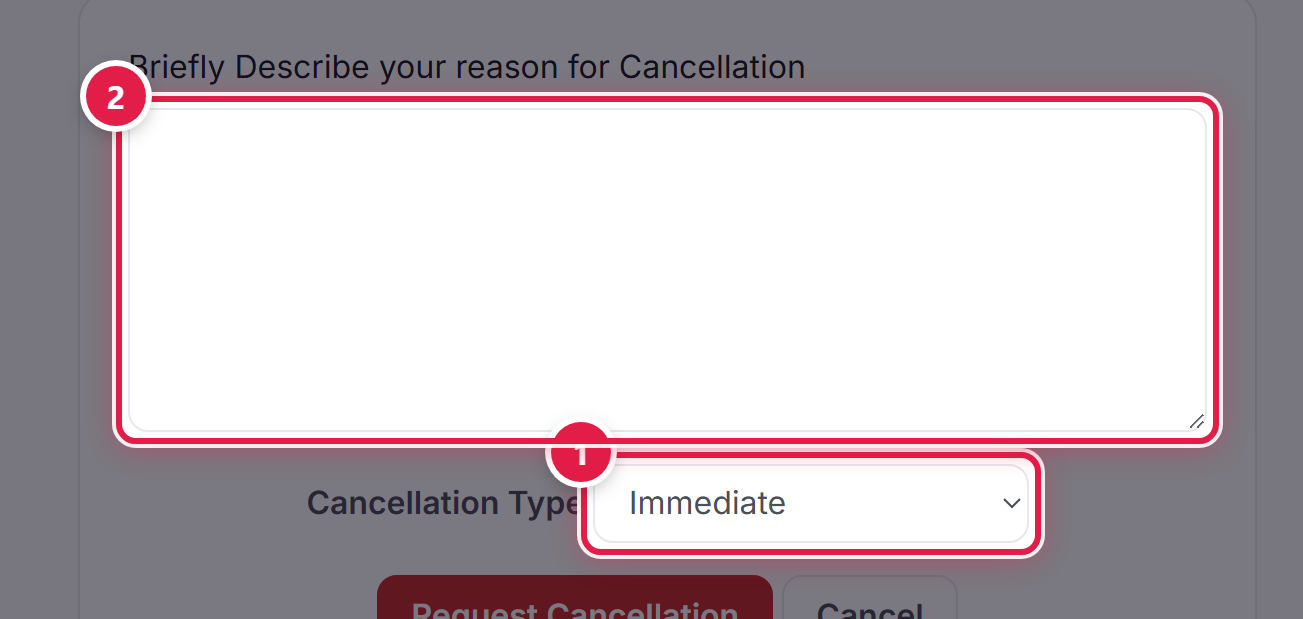
Immediate, or end of billing period
- Immediate — the service is shut down as soon as the request is processed. You lose the remainder of the period you have already paid for.
- End of Billing Period — the service keeps running until the date it would next have renewed, and is not invoiced again. This is usually what you want.
Before you cancel
Take a copy of anything you want to keep. Once a service ends, so does your access to the site on it.
Cancelling is a request, not an instant switch, so if you change your mind open a ticket and ask us to withdraw it.
