Everything lives in one of three places: the tiles at the top, the menu down the side, and your account menu at the top right.
The tiles
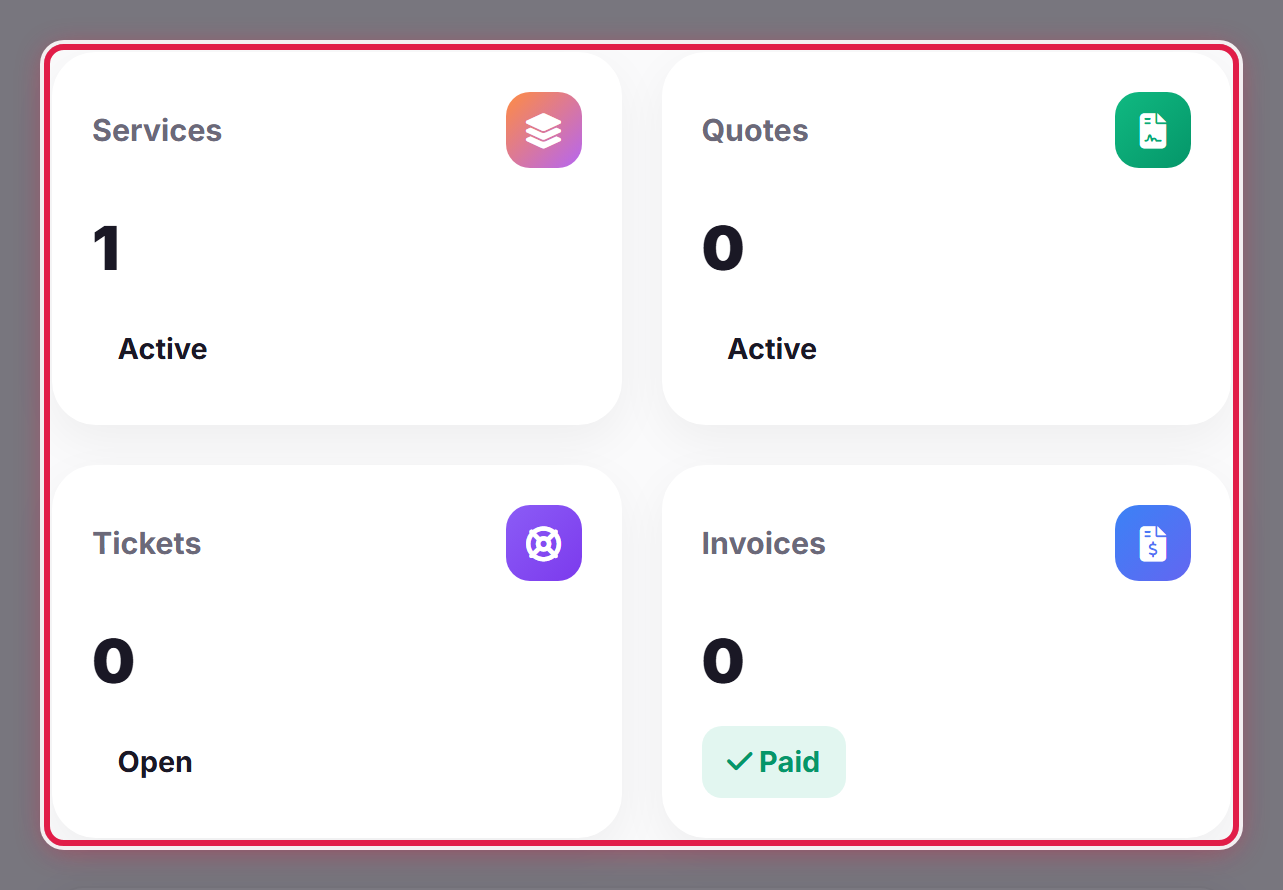
The four tiles summarise your account at a glance. Each one is a link through to the full list.
The menu
The sidebar is grouped by what you are trying to do.
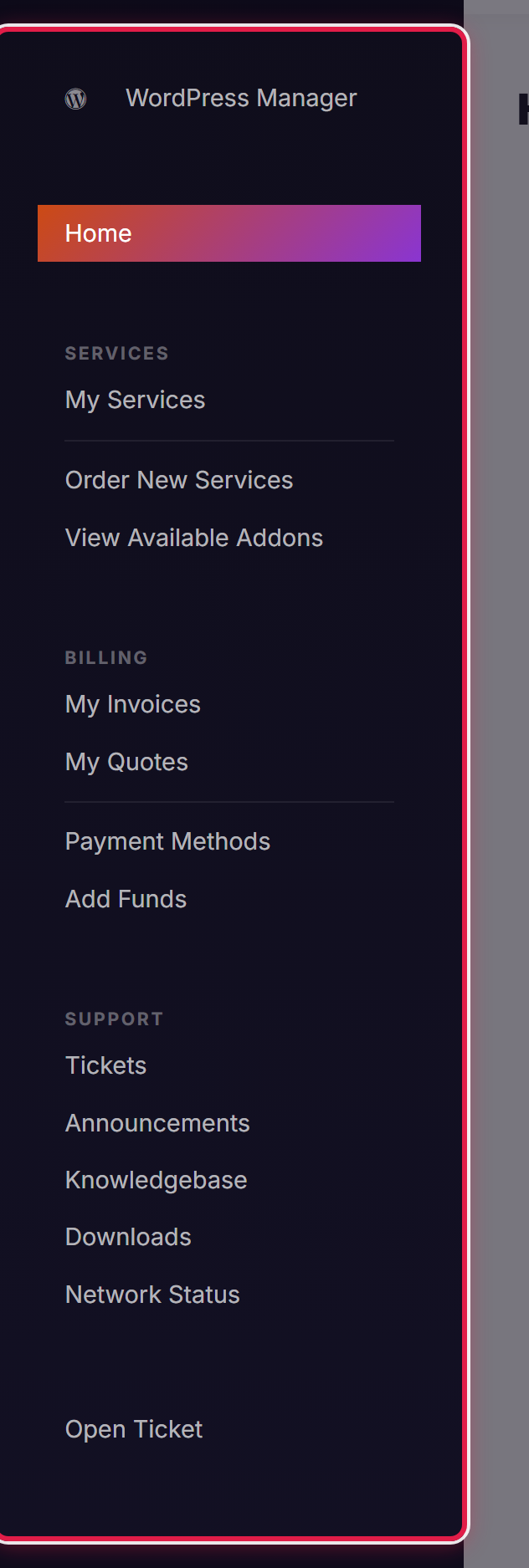
- Services — what you have with us, and how to order more.
- Billing — invoices, quotes, payment methods and account credit.
- Support — tickets, announcements, this knowledgebase and network status.
Your account menu
Top right, under your name: your details, users and contacts, password, security settings and email history. It is on every page.
