You sign in at the top of any page with the email address on your account and your password. There is no separate username.
If you have forgotten your password
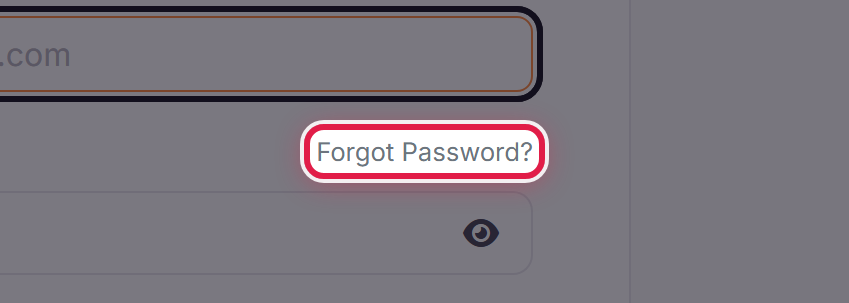
Select Forgot Password on the sign-in form. We email a reset link to the address on your account.
The link is only valid for a short time, so use it as soon as it arrives. If it has expired, request another.
If the reset email does not arrive
- Check your spam or junk folder.
- Make sure you are using the address the account is actually under — a reset is only sent to an address we hold.
- If someone else set the account up, the address may be theirs rather than yours.
If you have two-factor authentication on
You will be asked for a code after your password. If you no longer have the device, use the backup code you saved when you turned it on.
Still stuck
Open a ticket from this page — you do not need to be signed in to do it. Tell us the email address on the account. We will need to confirm who you are before we can help, so expect a few questions.
