Tickets are the best way to reach us. They are logged against your account, so whoever picks it up can see your services and your history.
How to open one
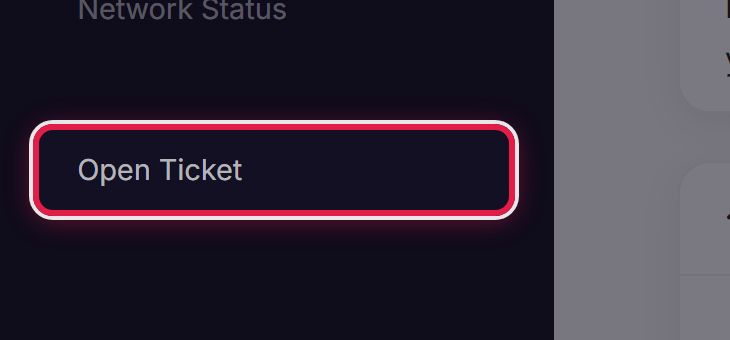
Select Open Ticket in the menu, or Submit a Ticket from your dashboard.
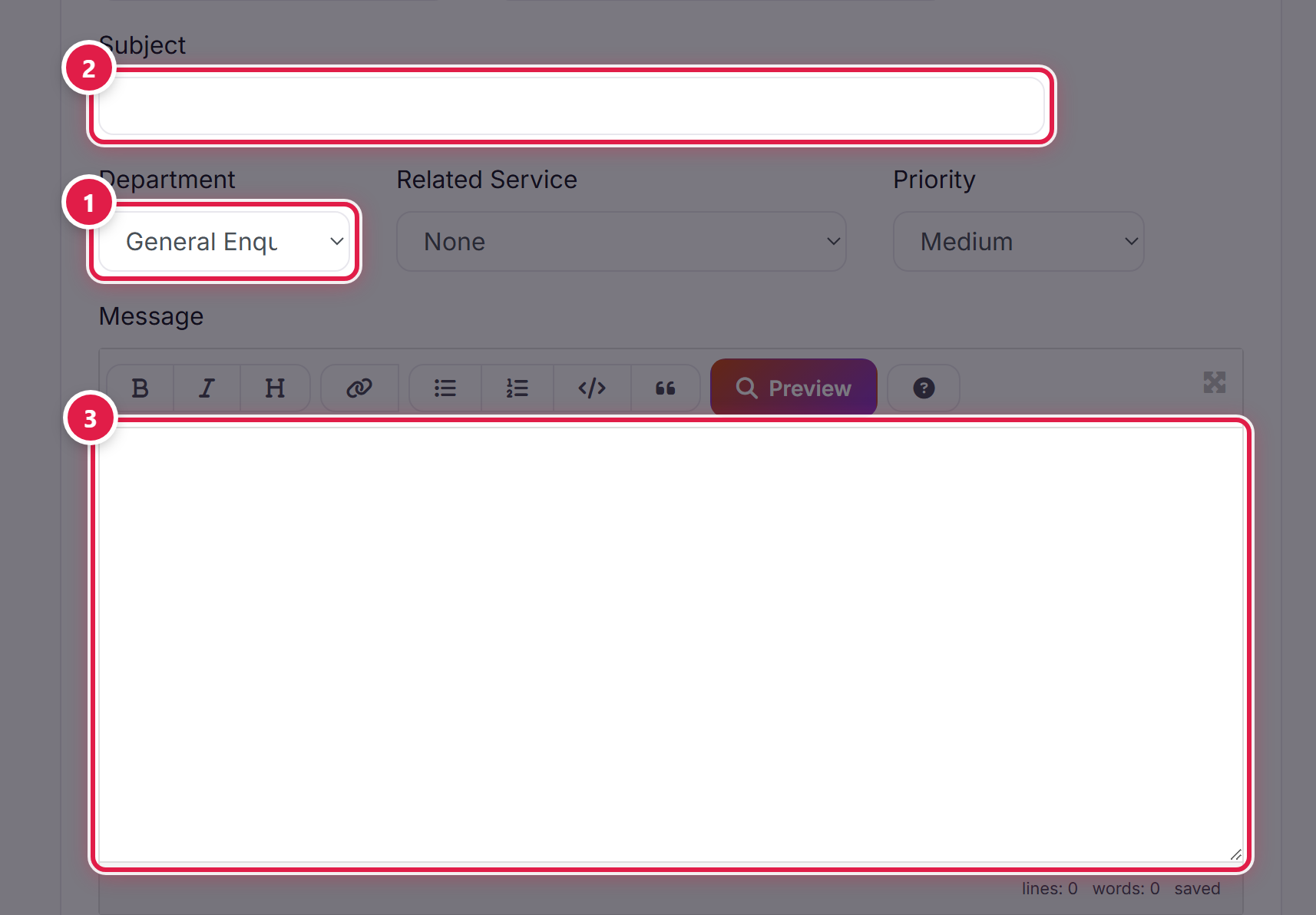
Choose the department that fits your question, give it a clear subject, and describe the problem.
Following it up
You will get an email whenever we reply. You can also see every ticket and its status under Support → Tickets. Reply on the ticket itself rather than starting a new one, so the history stays together.
Before you write in
If something looks wrong across the board rather than just for you, check Network Status first — we post there when we already know about an issue.
