You do not need a separate WordPress username or password. Your WebVibo account signs you in directly.
From anywhere in your account
Select Manage WordPress in the bar at the top of the page. This appears on every page once you have an active hosting service, and opens your WordPress dashboard in a new tab.

From your dashboard
Your dashboard lists your services with a Login button beside each one. Select it to open that site.
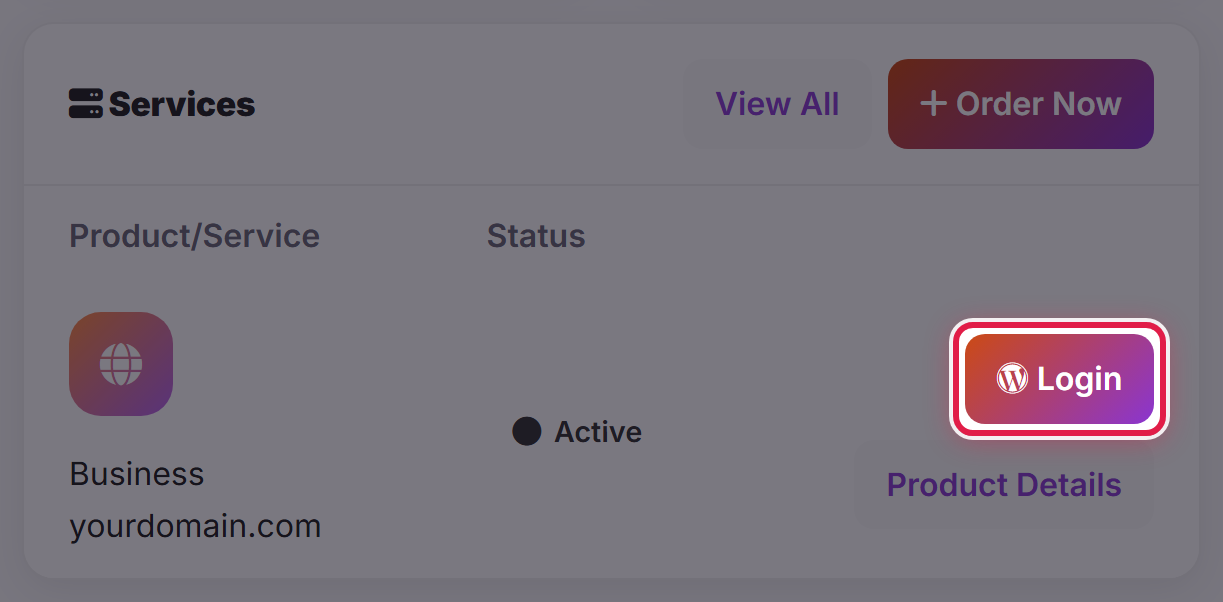
If the button is not there
The sign-in button only appears for services with an Active status. Go to Services → My Services and check the Status column.
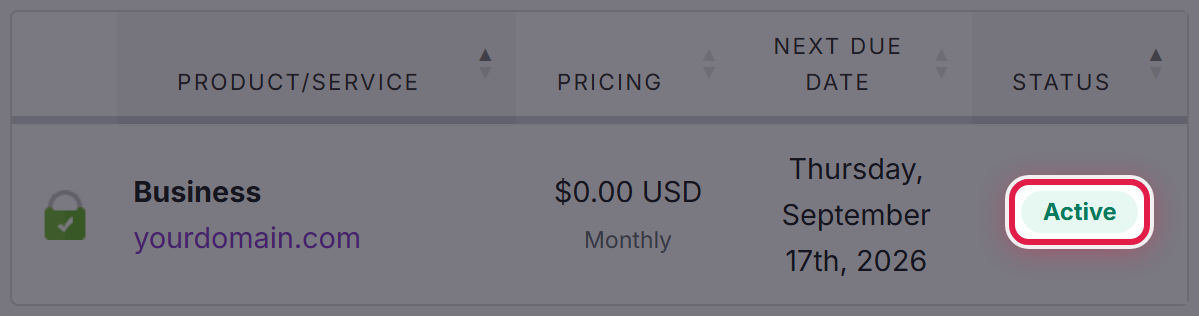
If it shows as Pending, the service is still being set up. If it shows as Suspended, check Billing → My Invoices for anything unpaid.
If your service is Active and you still cannot get in, open a ticket and tell us which site you were trying to reach.
